


The casino leovegas mobile app puts the full range of casino games on smartphones and tablets allowing players to register, deposit, play and withdraw without opening a browser. The app functions directly on the device operating system, which modifies how games load, how data moves and how updates arrive. This article walks through the technical steps from download to play, the hardware and software requirements, and the measurable differences between the app and the desktop website.
Available Devices and Operating Systems
The LeoVegas Casino app is designed for two main systems: Apple iOS and Google Android. On iOS the minimum compatible version is iOS 13, which covers iPhone models from the 6s onward and all recent iPad models. On Android the app demands version 7.0 (Nougat) or later, including most handsets introduced after 2016. Devices must have at least 2 GB of RAM and 200 MB of free storage for the initial download; larger game libraries boost this requirement. Players can check compatibility on the App Store listing for iOS or the Google Play listing for Android before installation.
Performance varies across device generations. Newer chipsets such as Apple A14 or Snapdragon 888 maintain frame rates steady during long live-dealer sessions, while older processors may degrade after 30 minutes of continuous play. Screen resolution also influences rendering quality; the app identifies pixel density and picks asset packs accordingly, keeping games sharp on high-density displays without using more memory than available.
Application Account Management
Upon the first launch the app shows a login screen that takes existing LeoVegas account credentials. New users can carry out registration inside the app by entering personal details, validating a mobile number and choosing a password. The verification step delivers a six-digit code via SMS; entry of the code activates the account for deposits. All later sessions employ biometric login if the device supports fingerprint or face recognition, reducing the need to re-enter credentials on every launch.
Account recovery options include email-based password reset and two-factor authentication via authenticator apps. When a player changes the registered phone number, the app needs re-verification before allowing withdrawals. Session tokens update every four hours, and any concurrent login from another device activates an alert visible in the security log.
Payment and Withdrawal Functions
The cashier section shows available payment methods, including debit cards, e-wallets and bank transfers. Each method indicates processing times and any applicable fees before the player approves the transaction. Deposits are added instantly once the payment processor returns a success message. Withdrawals are submitted inside the same menu; the app displays the expected processing window, which varies by method and can be monitored through the transaction history screen.
Transaction receipts are saved locally for 30 days and can be saved as PDF files. If a deposit is unsuccessful, the app logs the processor response code and offers retry or alternative-method suggestions. Withdrawal requests above a threshold set by the operator prompt an additional identity check that may require uploading a government-issued document through the app’s secure upload portal.
Efficiency, Data Consumption and Battery Drain
Game graphics are generated locally using the device GPU, while game logic and random-number generation occur on LeoVegas servers. This split minimizes latency and keeps data exchange limited to bet information and result packets. Average data consumption for one hour of slot play falls between 15 MB and 25 MB, depending on animation complexity. Battery drain is similar to other graphics-intensive applications; the app provides an optional low-power mode that lowers frame rate and turns off background music to prolong play time on a single charge.
Network latency is tracked continuously; if the round-trip time exceeds 150 ms, the app shows a connection-quality icon and may buffer non-critical animations. Heat throttling is controlled by capping GPU clock speed after 20 minutes of sustained high load, keeping device temperature below 42 °C. Battery impact logs are available in the settings menu and can be extracted for user analysis.
Patch and Upkeep Behaviour
Both iOS and Android versions obtain updates through their respective store pipelines. When a new version is released the store issues a notification; tapping Update substitutes the installed package without affecting stored login data or game preferences. Critical security patches may trigger a mandatory update that stops play until installation completes. Players can review the version history in the store listing to confirm which bugs or features have been addressed.
Incremental updates retrieve only changed files, cutting package size by up to 60 percent relative with full reinstalls. Background updates can be scheduled during off-peak hours via the device operating-system settings. If an update errors, the app holds the previous working version and prompts the user to retry when network conditions improve.
Download and Installation Steps
Customers in the United Kingdom obtain the iOS version from the Apple App Store by browsing for “LeoVegas Casino”. The store page presents the current version number, age rating and data-usage estimate. Clicking Get downloads the package through Apple’s standard process; no extra configuration is required. For Android devices the recommended route is the Google Play Store, where the same search term brings up the official listing. After selecting Install the package downloads and passes Google’s security scanner before the app icon appears on the home screen.
Installation time varies with network speed and device storage. On a typical 4G connection the 85 MB package downloads in under 40 seconds; unpacking and signature verification require another 10 to 15 seconds. Customers on slower networks can turn on the “Download over Wi-Fi only” setting in the app store to avoid mobile-data charges. Once the icon is visible, the first launch starts an additional 20 MB asset download that loads the initial game lobby.
Google Android Sideloading Process
Players who cannot reach the Google Play Store may download the APK file from the official LeoVegas website. The file name follows the pattern LeoVegas-[version].apk. Before installation the device setting “Install unknown apps” must be enabled for the browser used to fetch the file. Once the download ends, opening the file starts Android’s package installer, which shows the requested permissions. After the user accepts, the app is set up in the standard applications folder and can be launched immediately.
Security checks during sideloading consist of SHA-256 hash verification against a published manifest and certificate pinning to prevent man-in-the-middle substitution. If the hash does not match, installation stops and an error code is stored. Players are advised to compare the displayed hash on the website with the value shown in the installer before proceeding.
Game Library and Browsing
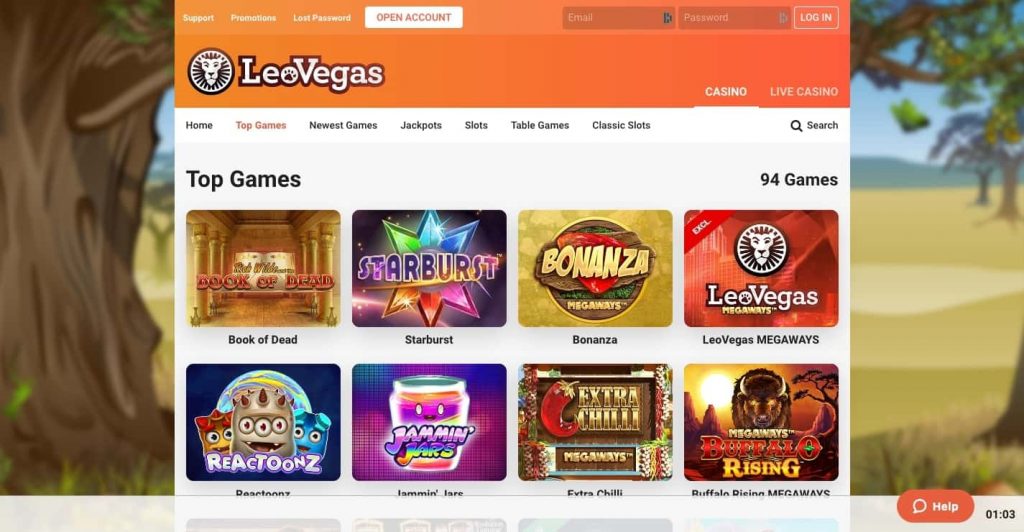
The lobby organises titles into sections such as Slots, Roulette, Blackjack, Live Casino and Jackpot games. Each category loads a grid of thumbnails that can be ordered by popularity, alphabetical order or volatility. Tapping a thumbnail starts the game in full-screen mode; the first load saves assets locally to reduce later start times. A search bar at the top of the lobby handles game names or provider names, returning matches in real time without leaving the current view.
Filters let narrowing results by minimum or maximum bet size, RTP percentage and feature type. Players can also make custom lists by tagging games as favourites; these lists synchronise across devices via the cloud profile. The lobby reloads every 60 seconds to show new releases and temporary promotions without requiring a manual reload.
Real-Time Casino Integration
Live dealer tables are found in a dedicated section and broadcast video through the device’s internet connection. Players can adjust camera angles, choose chip denominations and view the game history panel while the stream continues. The app holds a persistent connection to the streaming server; if the signal drops, an automatic reconnection attempt occurs without restarting the table. Audio output goes to the device speaker or connected headphones according to the system setting.
Bandwidth-adaptive streaming changes resolution from 1080p down to 480p when connection quality declines. A data-usage indicator in the corner of the live table shows cumulative megabytes consumed during the current session. Players can enable a low-bandwidth mode that turns off secondary camera feeds and lowers frame rate to conserve mobile data.
Distinctions from the Desktop Site
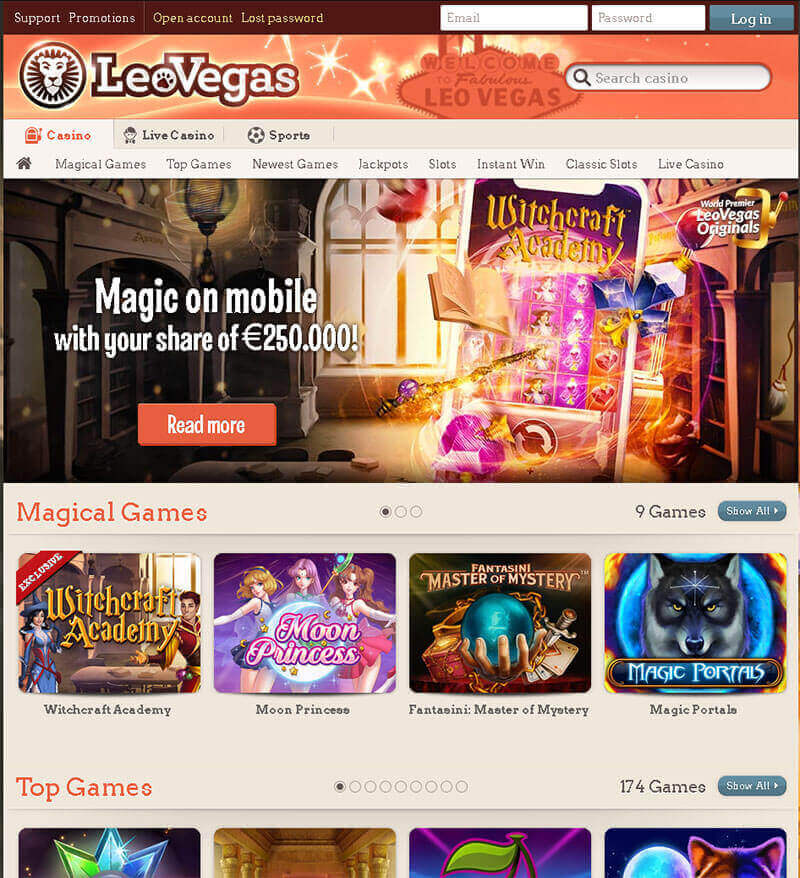
The mobile app and the desktop version share the identical game servers and player accounts, yet their designs differ to fit display size and control method. The app uses touch-optimised buttons and swipe controls, while the desktop site depends on mouse clicks and hotkeys. Certain live casino features, like viewing multiple tables, are restricted on small displays to preserve readability. Alerts for promotions and reminders to deposit are only available through the app; the desktop version employs browser alerts as an alternative.
Menu depth is shallower on mobile to reduce tapping, detailed filters that take up a sidebar on desktop are collapsed into a pop-up panel. Letter size adjusts on its own following system accessibility options, and all interactive items meet a requirement of at least 9 mm for touch targets. Wide-screen mode is available for selected table-based games, expanding the game area while hiding extra panels.
Security Measures and Responsible Play Tools
All information between the app and LeoVegas servers is encrypted with TLS 1.2 or higher. The app holds no payment card details locally; tokens are maintained by the payment processor. Session timeouts happen after 15 minutes of inactivity, demanding re-authentication. Responsible gambling controls encompass deposit limits, session time reminders and a self-exclusion toggle, all available from the account menu. These settings sync across devices, so changes made on the app apply immediately to any desktop session under the same account.
Device binding associates the account with a hardware identifier that alters only on factory reset, offering an extra layer against unauthorised access. Failed login attempts beyond five consecutive tries initiate a temporary lockout communicated via email. Responsible-play pop-ups appear after one hour of continuous play and can be set to require explicit acknowledgement before resuming.